
AI Album Cover Generator — Release-Ready Cover Art
This AI album cover generator turns simple text prompts into custom music artwork. Enter your title, artist name, and visual style to produce square cover art with clear typography, ready for streaming platforms and social media.
Hot templates
Examples to start from
Nothing here yet. Your generations show up on this side.
Your cover art will appear here
Describe the cover or tap a genre, then press Generate
Album Covers Made from a Single Sentence
Eight genres, eight creative prompts. Use any idea as a starting point.
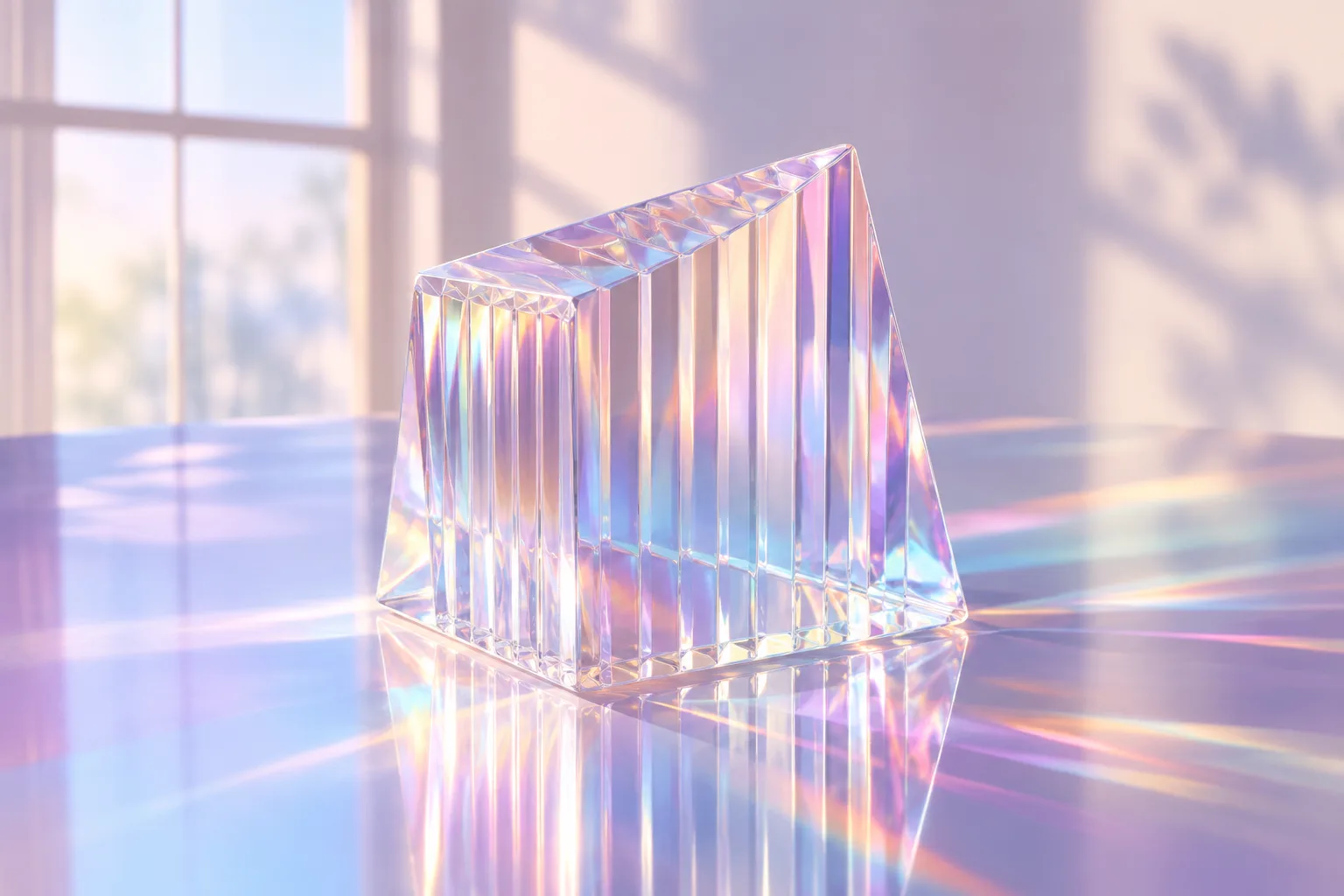
Synth-pop single
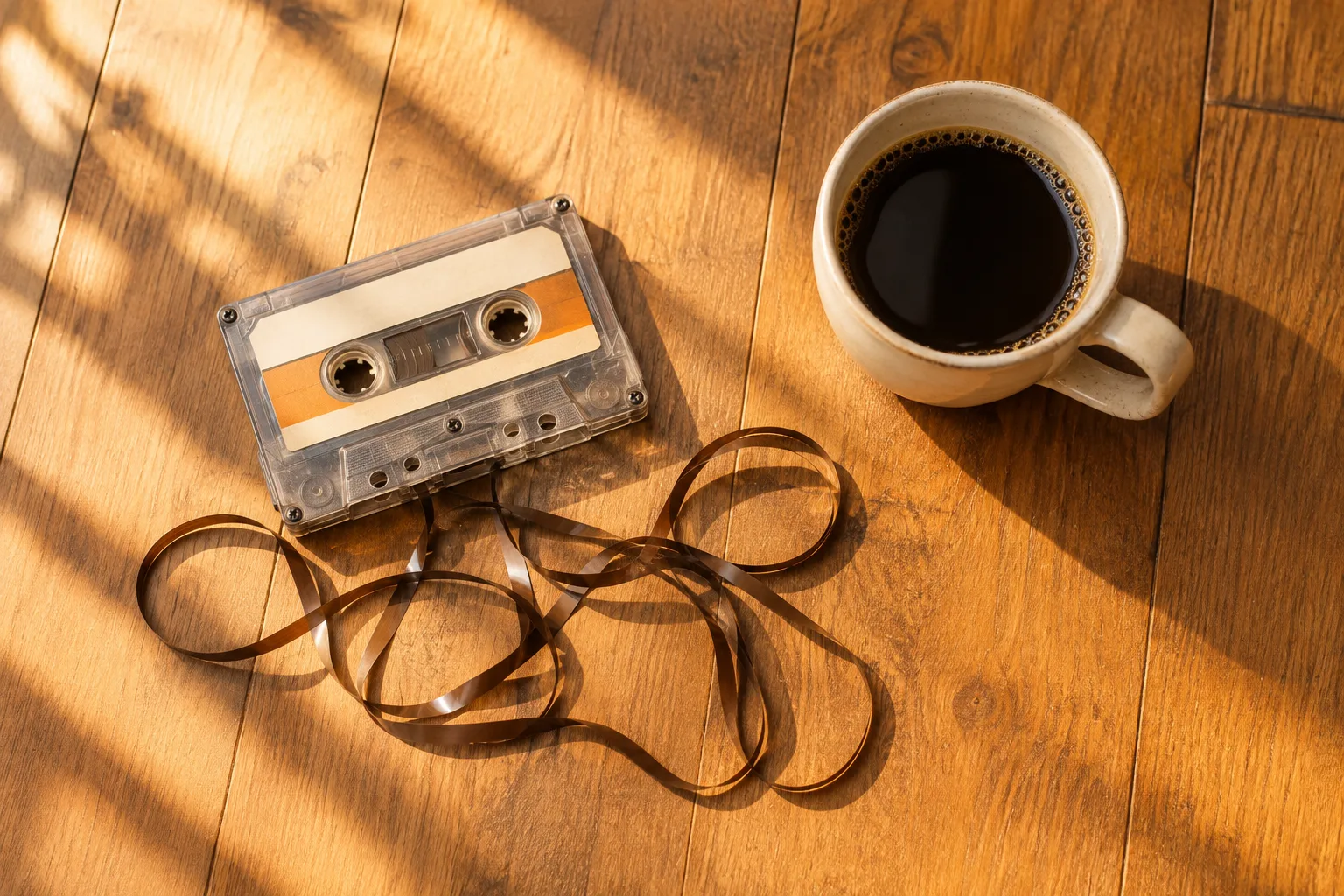
Lo-fi beat tape
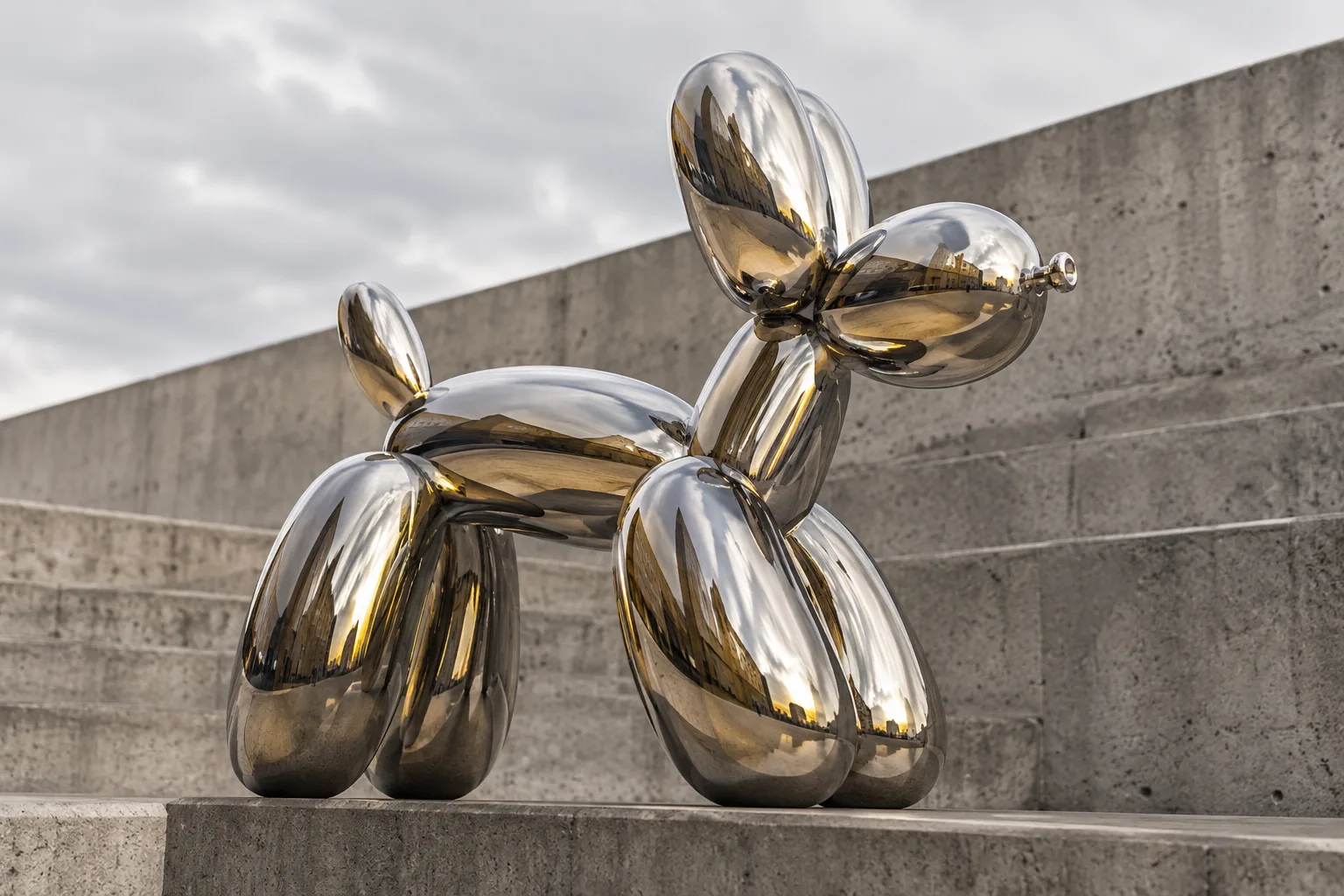
Hip-hop mixtape
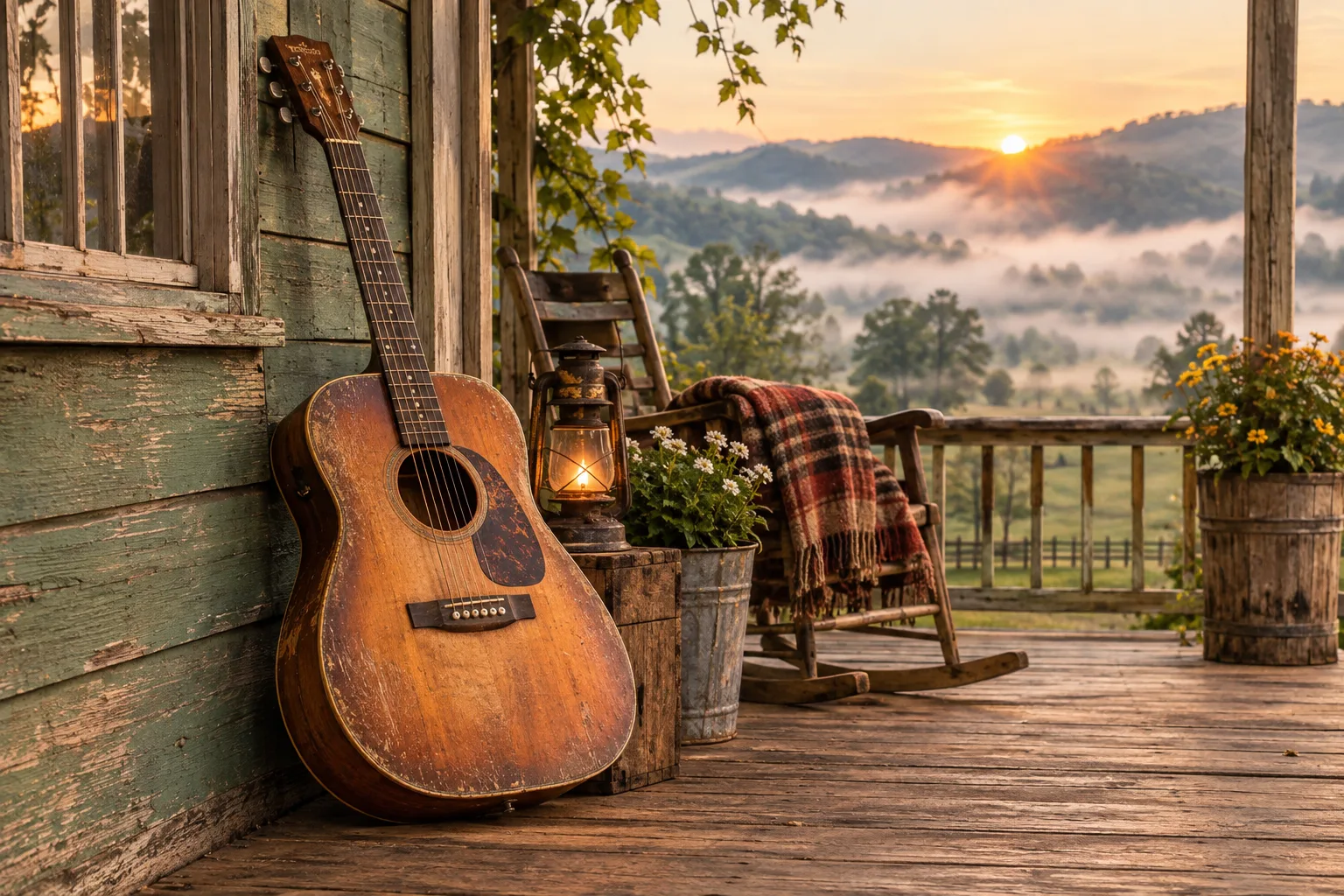
Indie folk album
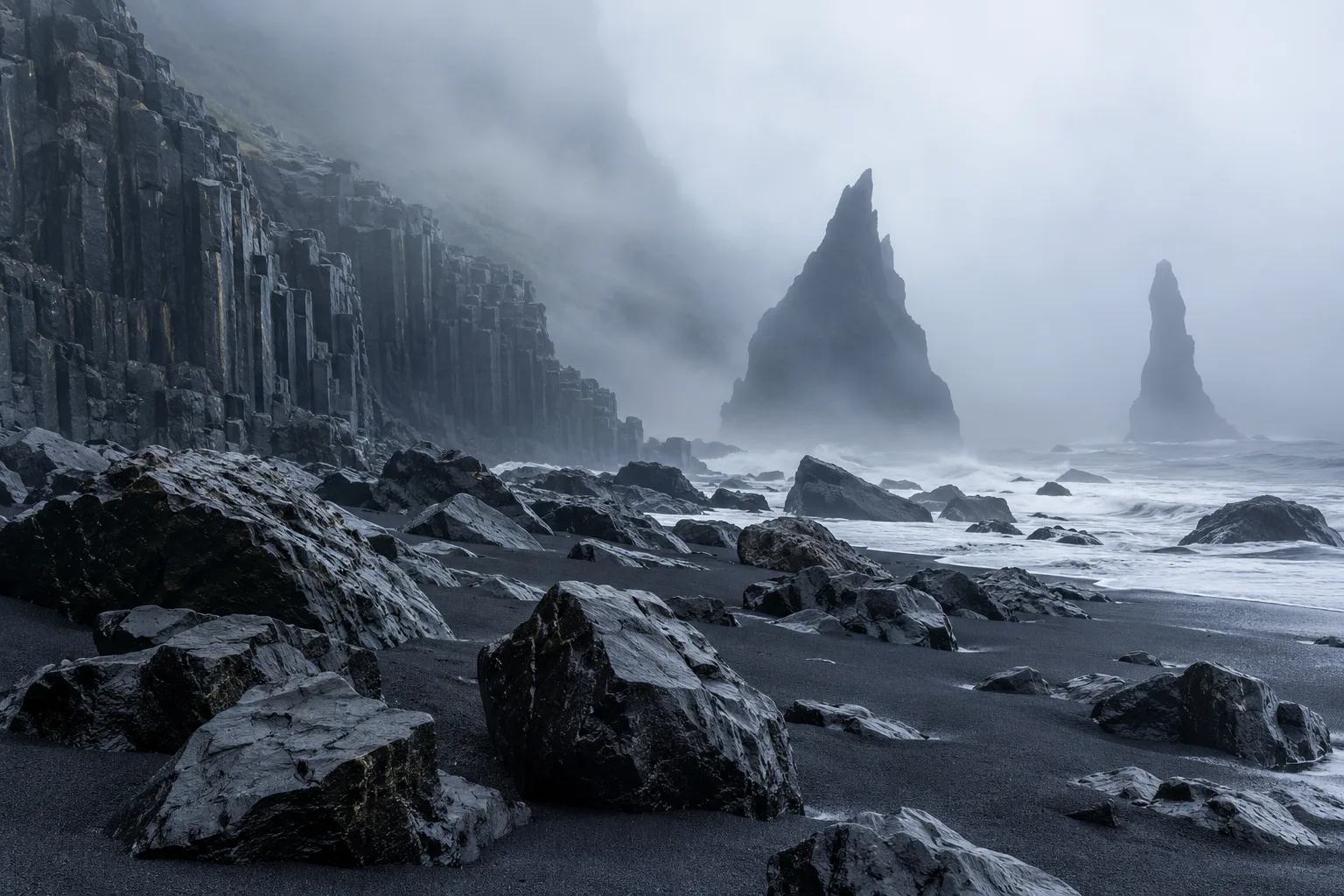
Metal album
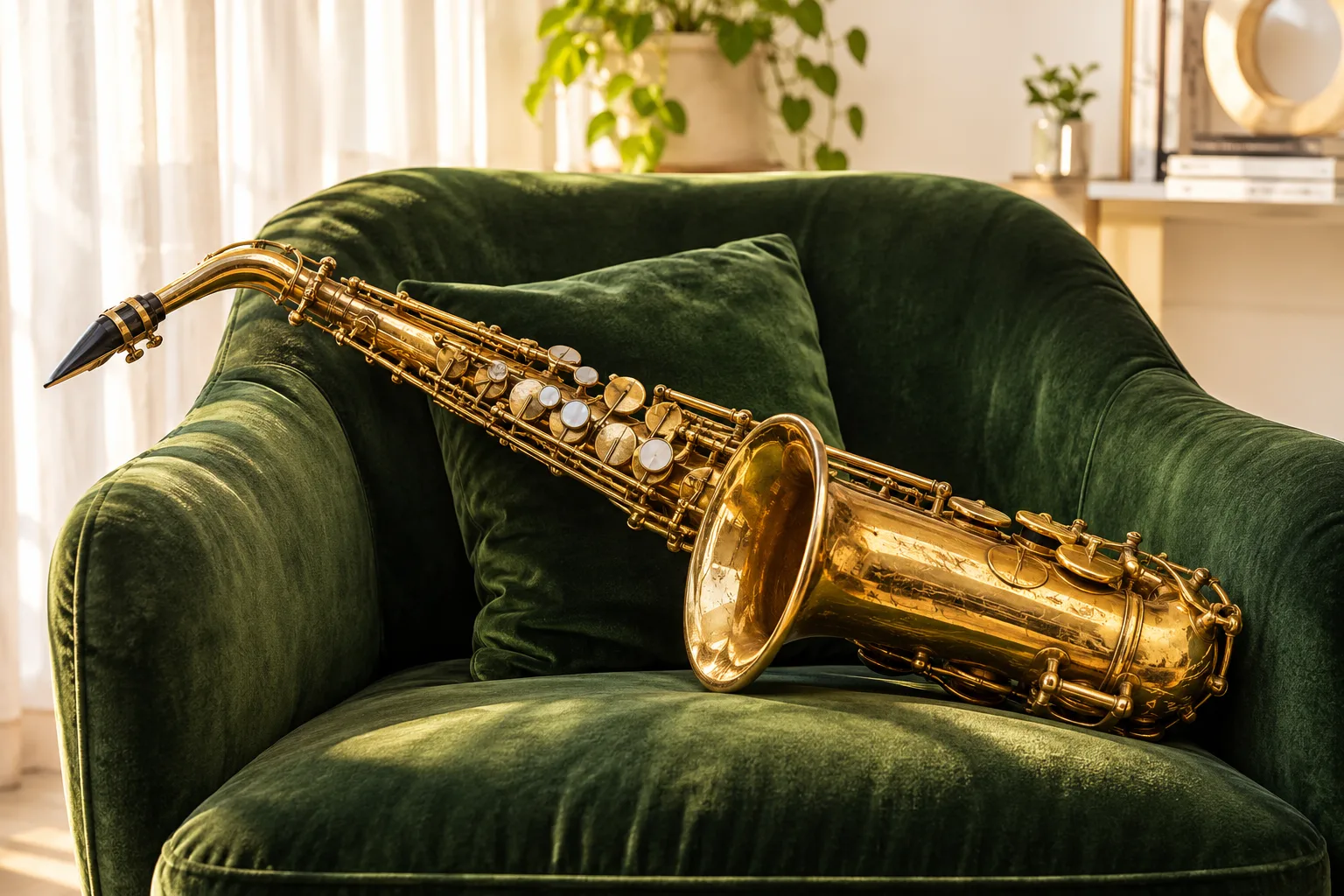
Jazz record
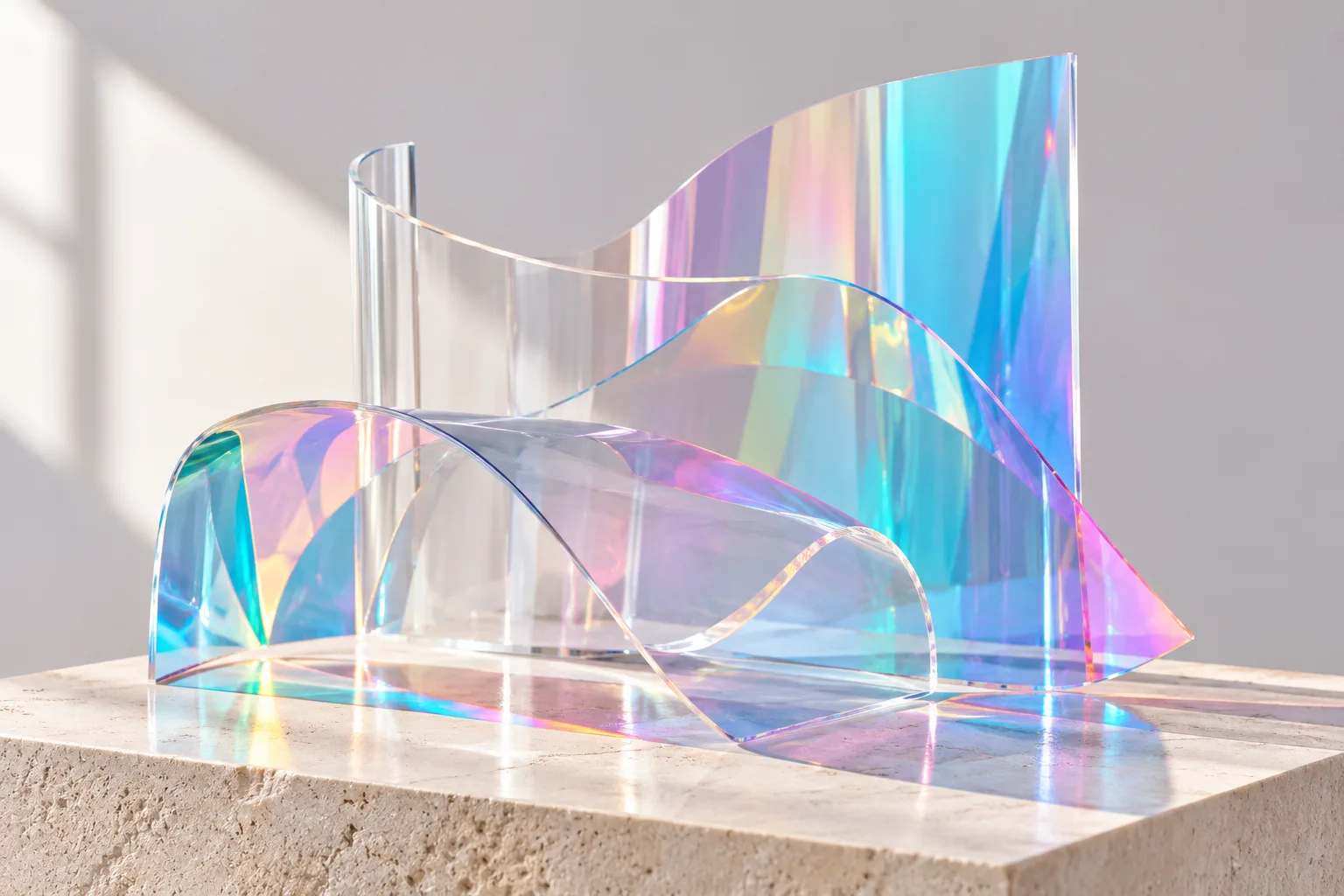
Electronic EP

Country single
What Is an AI Album Cover Generator?
An AI album cover generator transforms a written prompt into ready-to-use cover art. You specify the mood of your track, the central visual elements, and the text you need. The generator renders the scene and adds typography matched to your genre.
Music streaming services display artwork as small squares, so clean composition and legible text are vital. Put the release title and artist name in quotes, describe the aesthetic clearly, and pick colors that reflect your sound.
Connect your artwork workflow with our AI music video maker and the song generator to build full promotional assets for every release.
Features of This Online Album Cover Generator
Legible Typography
Render track titles and artist names in fonts tailored to your musical genre.
Streaming Square Format
Default square ratios fit streaming uploads, with options for banner sizes.
Versatile Genre Styles
Create photographic, illustrated, 3D, retro, or minimalist art from one prompt.
Consistent Visual Series
Maintain a unified aesthetic across singles, EPs, and full album rollouts.
High-Resolution Output
Export up to 4K resolution suitable for vinyl packaging, CD sleeves, and merch.
Commercial Licensing
Download and distribute your cover art freely across commercial platforms on paid plans.
How to Generate Album Covers Online
Three straightforward steps to finished cover artwork.
1. Describe Your Concept
Detail the scene, mood, and color palette. Include your title in quotes.
2. Select Dimensions
Use the standard square for distribution or choose custom aspect ratios.
3. Generate and Export
Review variations, refine your prompt, and save the design that fits your song.
Who Uses This AI Album Cover Generator?
Solo Musicians
Design release visuals independently without waiting on freelance graphic artists.
Beatmakers and Producers
Give beat packages, sample packs, and instrumental tapes distinct cover art.
Indie Record Labels
Produce visual mockups and final cover artwork for roster releases quickly.
Bands and Groups
Try several cover ideas before the photo shoot.
Content Creators
Make cover art for playlists and podcasts.
Students
Practise art direction for music projects.
Album Cover FAQ
What size do streaming stores need?
Most stores ask for a square image of at least 3000 × 3000 pixels. Choose the square shape and a 2K or 4K resolution, then upscale if your distributor needs more.
Will the title be spelled correctly?
Short titles come out reliably. Put the title and artist name in quotes and check the spelling before you upload the cover.
Can I use the cover commercially?
Covers made on a paid plan can be used for your releases and merch. Do not copy other artists’ artwork, logos or likenesses.
Can I keep a series consistent?
Yes. Reuse the same description and change only the title and one detail for each single.
How much does a cover cost?
The credits are shown on the Generate button and depend on the resolution you choose.
Can I add my own photo?
This tool works from a description. To build a cover around your own photo, use an image editor first and describe the scene here.
Make Cover Art for Your Next Release
Describe it, generate it, upload it with your track.