Concert Poster Maker — Custom Gig and Tour Artwork
This concert poster maker turns your band name, show dates, venue details, and visual vibe into high-impact music flyers. Generate bold promotional graphics with readable typography ready for physical print and social channels.
Hot templates
Examples to start from
Nothing here yet. Your generations show up on this side.
Your poster will appear here
Describe the show or tap an idea, then press Generate
Concert Poster Design Templates for Every Show
From basement gigs to festival lineups, create distinct layouts from a single text prompt.
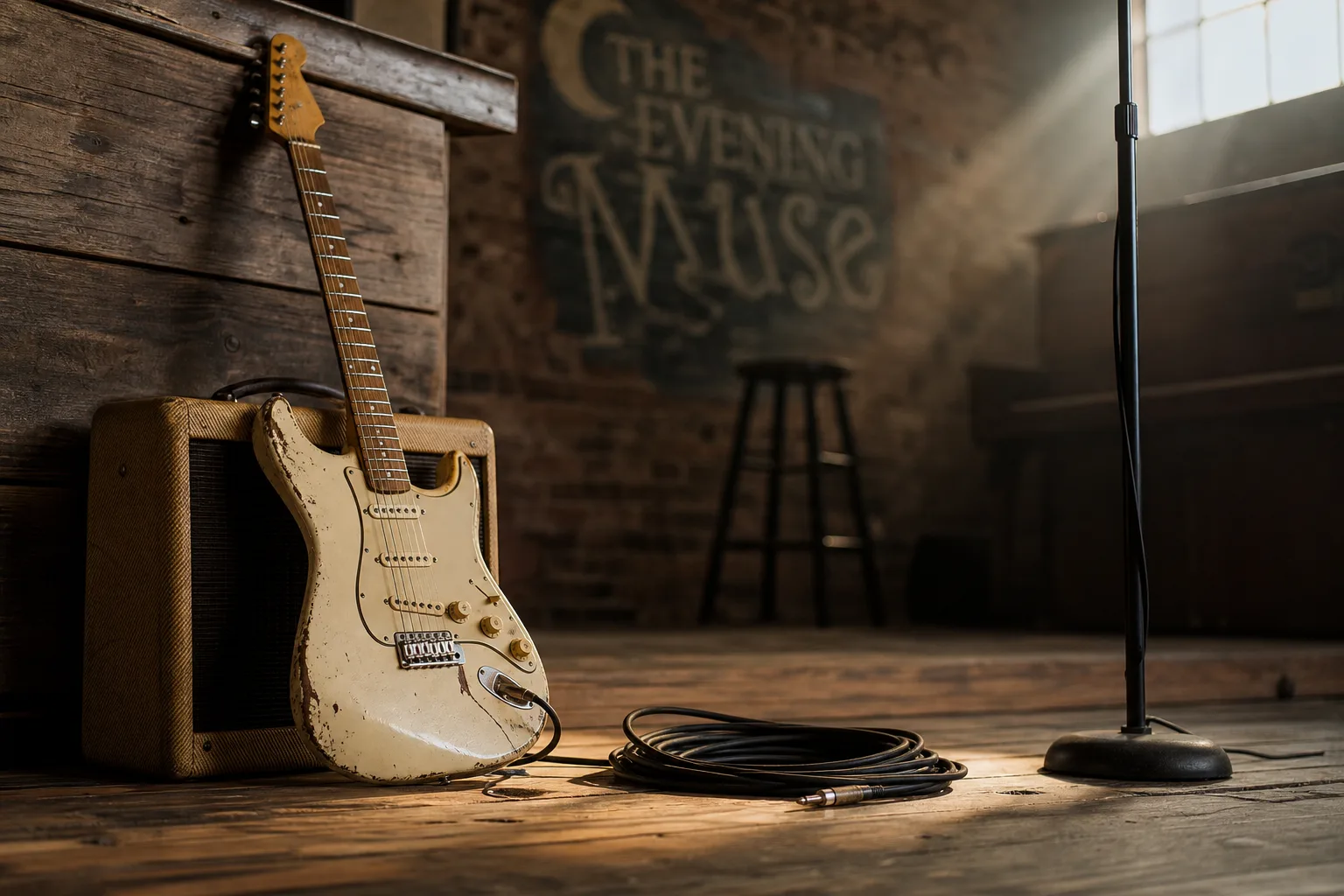
Indie gig
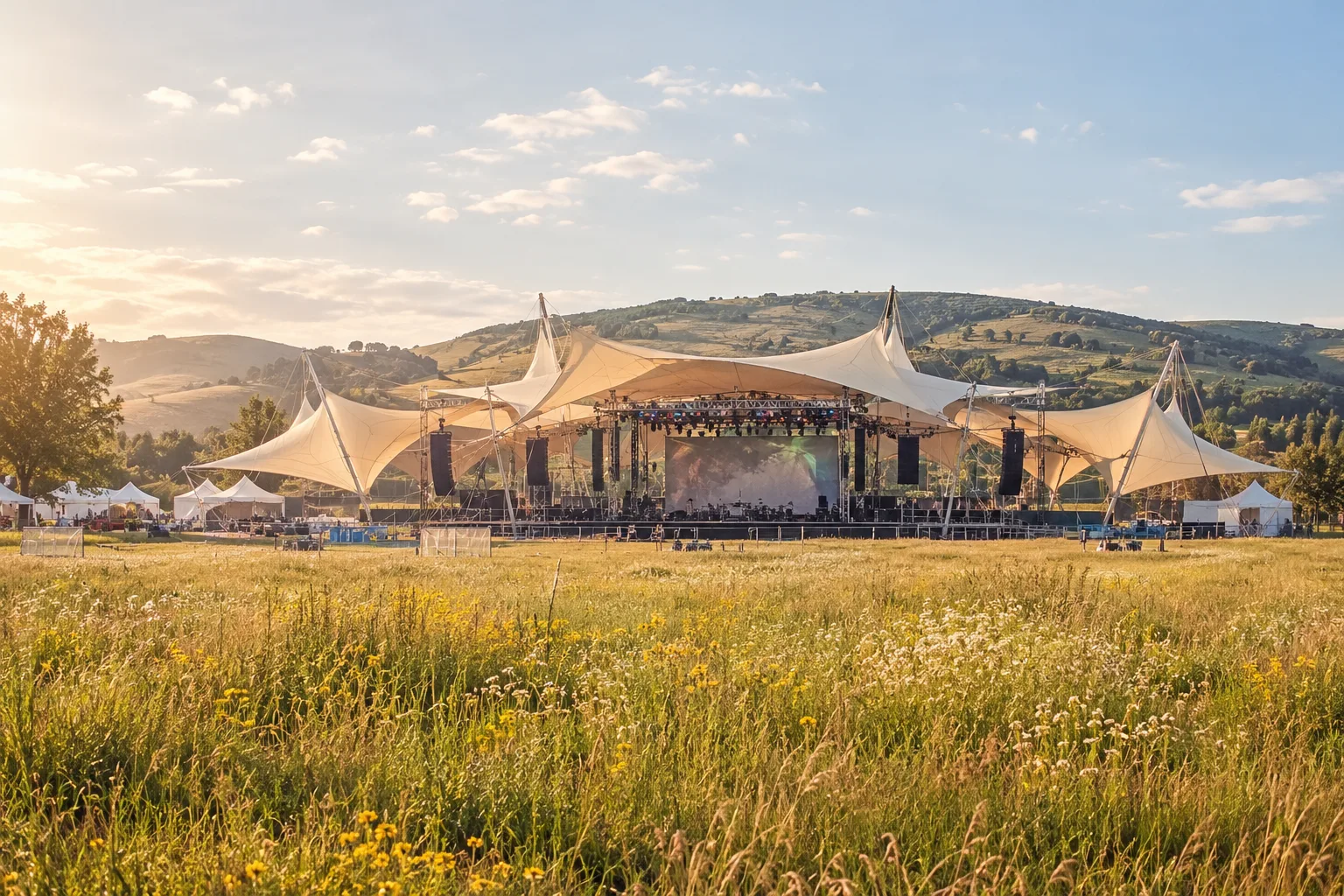
Summer festival
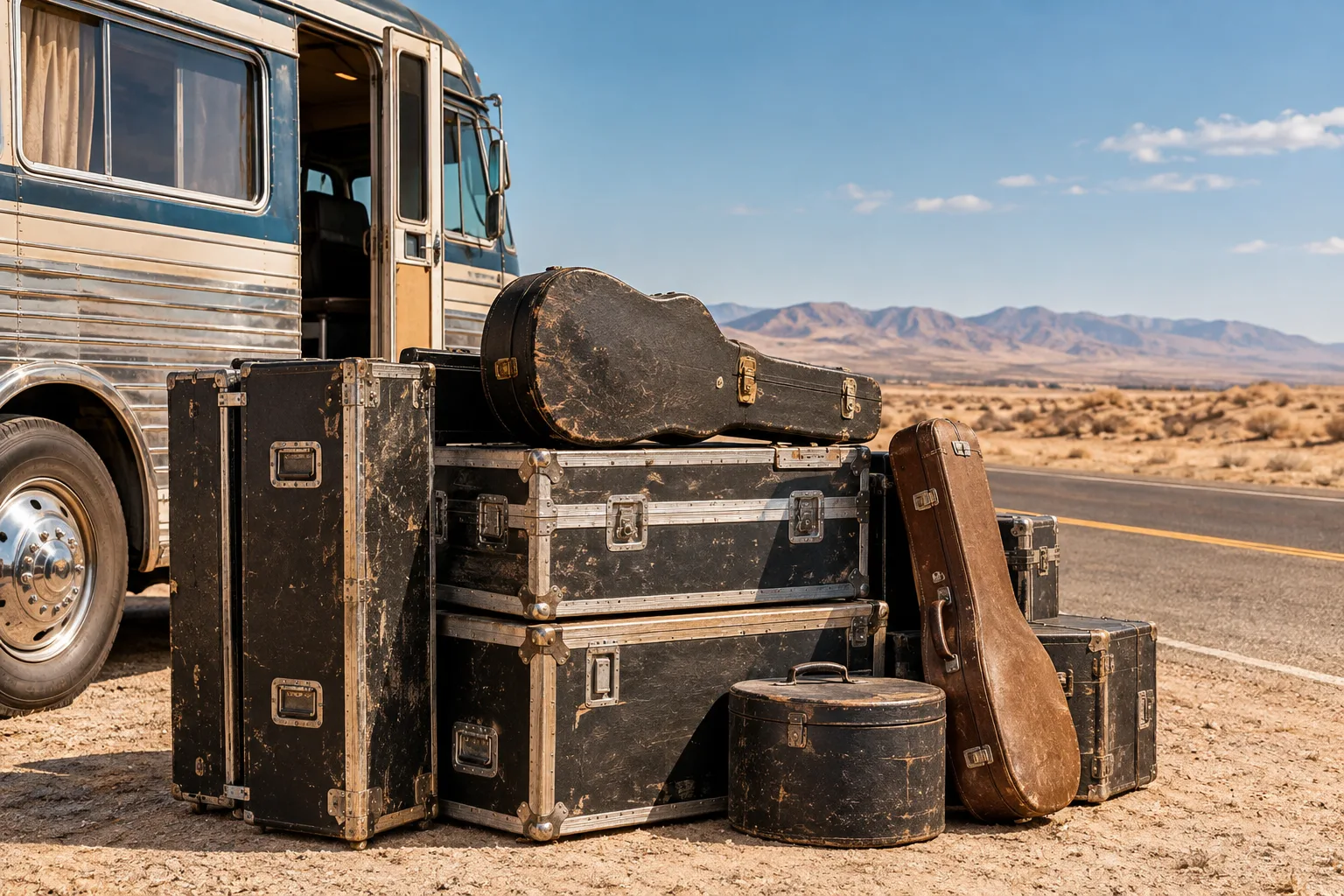
Tour dates
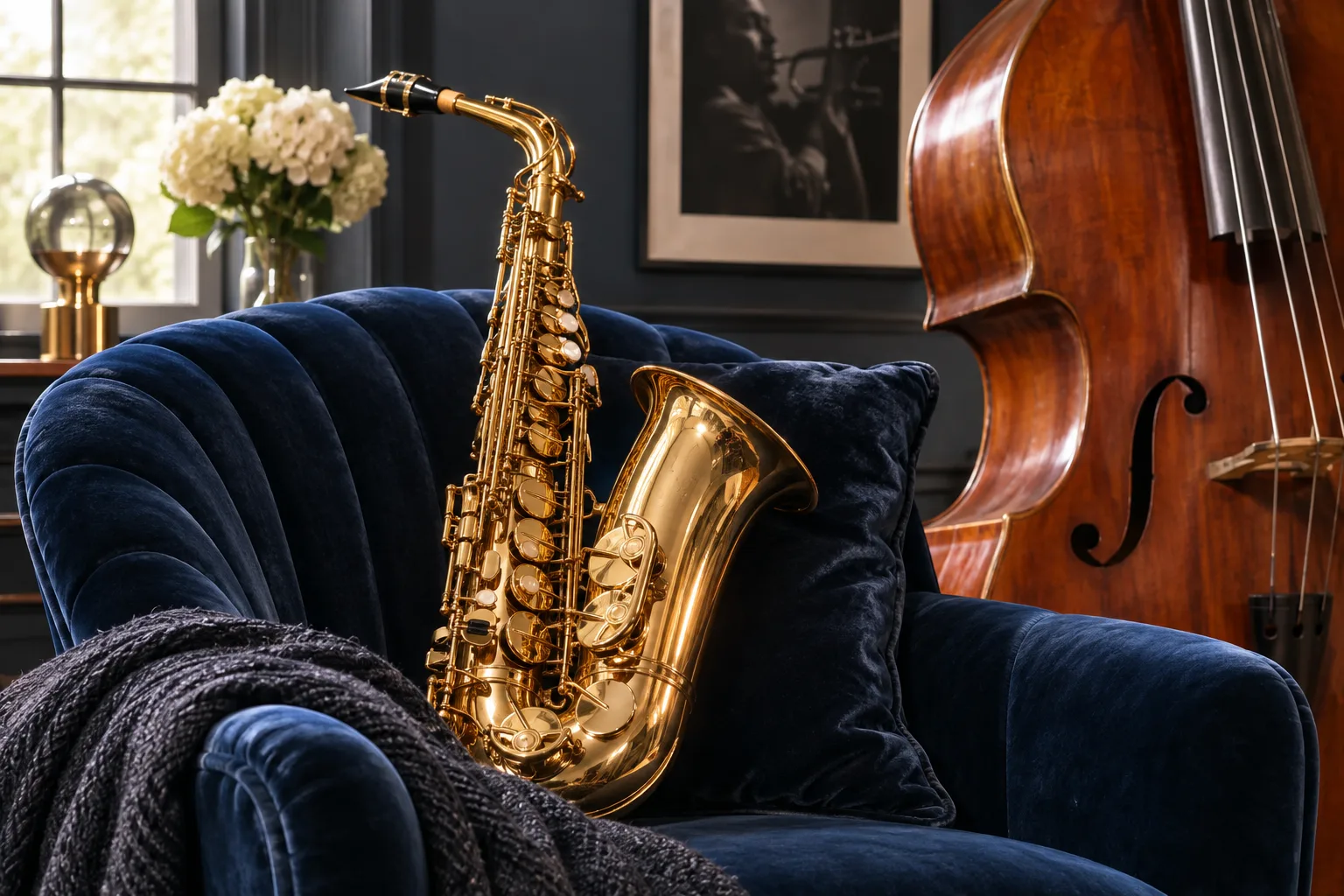
Jazz night
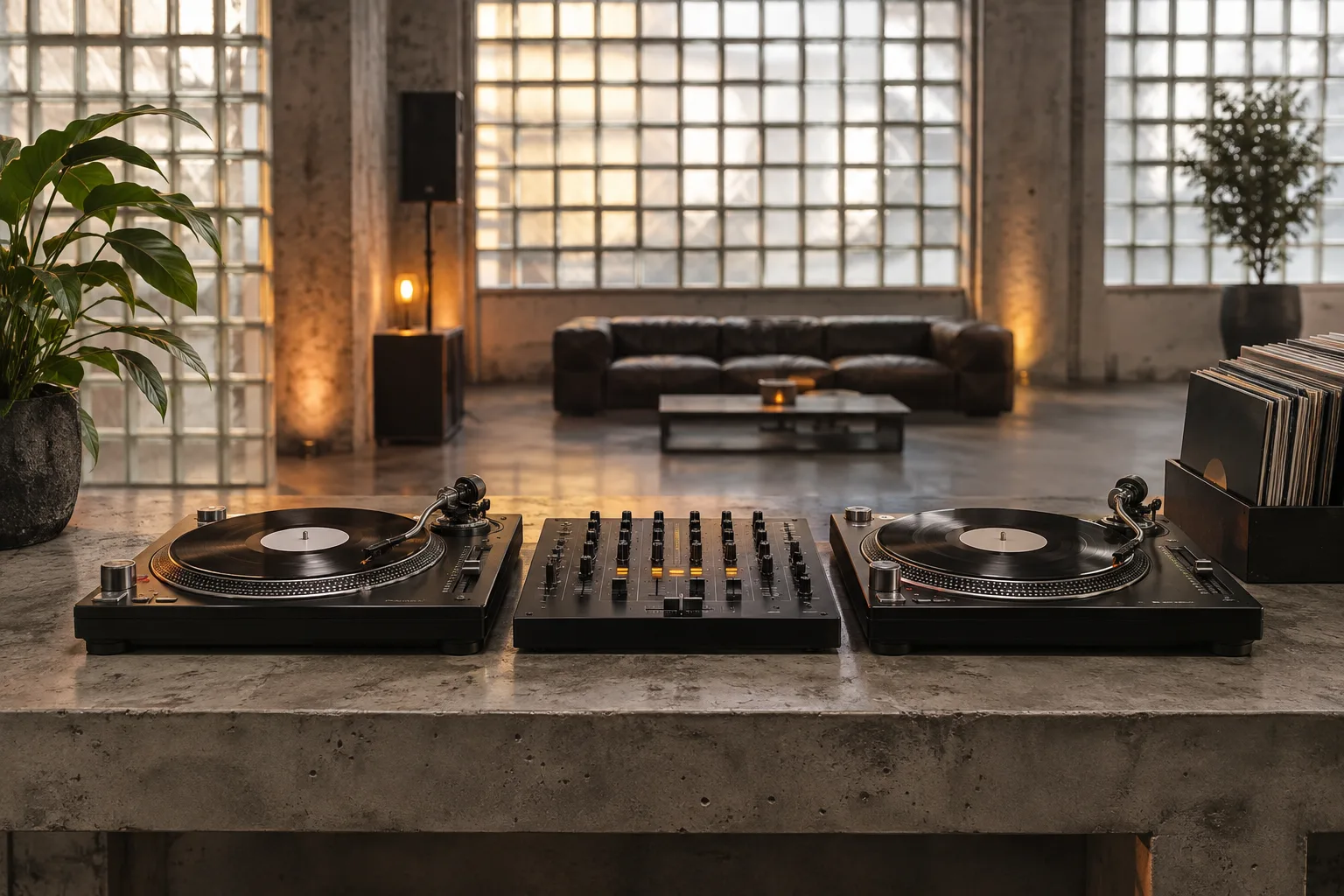
Club night
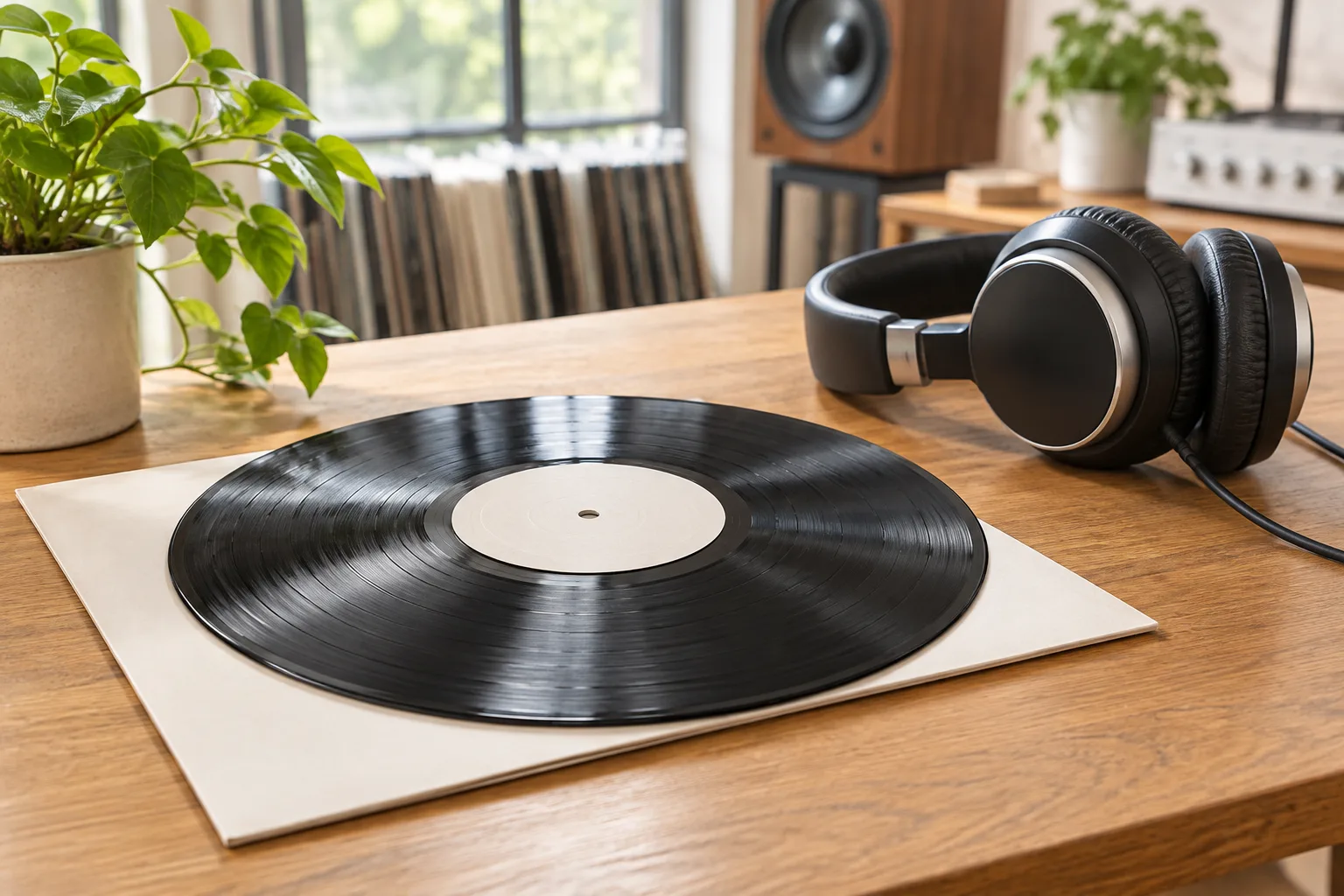
Album launch
What Makes a Good Concert Poster?
A concert poster has one job: tell people who is playing, where and when, and make them attend. This concert poster maker sets event facts in clean, legible type and shapes the visual theme around the mood of your music.
Put the artist name, date, venue, and city inside quotes so they display accurately. Add your stylistic concept and color palette, like a retro screen print or neon skyline, keeping extra descriptive copy focused.
Select portrait 2:3 for print flyers, square for feeds, and vertical 9:16 for stories or teasers edited with our AI music video maker. Generate a matched campaign package from one prompt by switching aspect ratios.
Online Concert Poster Maker Features
Bold, Readable Typography
Band names, dates, and venues stay legible across the room or on mobile screens.
Print and Social Ratios
Select portrait for physical boards, square for feeds, and vertical for stories.
Any Visual Style or Drawing
Produce styles ranging from detailed concert poster drawing to vintage screen prints and clean modern layouts.
Lineups and Tour Dates
Organize multi-band festival lineups or multi-city tour itineraries on a single sheet.
Crisp Print Resolution
Export up to 4K resolution suitable for large venue banners and street flyers.
Direct Download and Share
Download production-ready image files immediately to publish across social channels or send to print.
How to Make a Concert Poster with AI
Three simple steps to generate promotional artwork for your upcoming show.
1. Enter Event Details
Type headliners, supporting acts, date, and venue in quotes, then describe the art style.
2. Select Aspect Ratio
Choose portrait 2:3 for printed flyers, square for feeds, or vertical 9:16 for mobile.
3. Review and Download
Verify billing details, download your graphic file, and start promoting your show.
Who Uses This Concert Poster Maker?
Bands and Solo Artists
Promote upcoming tour stops and club gigs with this concert poster maker without waiting on graphic agencies.
Live Music Venues
Maintain a cohesive weekly schedule and stage calendar with fast visual updates.
Event Promoters
Draft festival announcements and club flyers online without juggling complex design software.
Schools and Communities
Create polished performance flyers for student recitals, orchestra nights, and local fundraisers.
Social Media Managers
Matching posts and stories for each announcement.
Fans
Make a keepsake poster of a show you loved.
Concert Poster FAQ
Will the dates and names be correct?
Text in quotes comes out reliably when it is short. Always read the poster carefully before you print or share it.
Which shape should I choose?
Portrait 2:3 suits printed posters and flyers, square suits feed posts, and 9:16 suits stories.
Can I print the posters?
Yes. Choose a 2K or 4K resolution for print and download the file.
Can I put several bands on one poster?
Yes. List the acts in the order they should appear; four to six names fit comfortably.
Can I use band logos or photos of other artists?
Only your own or ones you have permission to use. Do not imitate other artists’ logos or likenesses.
How much does a poster cost?
The credits are shown on the Generate button and depend on the resolution.
Fill the Room for Your Next Show
Write the details, generate the poster and start promoting.