
Online MIDI Editor — Compose and Arrange Notes
Use our online MIDI editor to compose melodies or fine-tune existing tracks directly in your browser. Draw notes, tweak velocity and tempo, audition playback, and export clean .mid files ready for your DAW or our AI music video maker.
Key Features of This Online MIDI Editor
A Full Piano Roll
Draw, move, stretch, and delete notes on an intuitive grid with adjustable snap settings. Zoom in to adjust fine timings or zoom out to survey the complete song structure.
Try It Now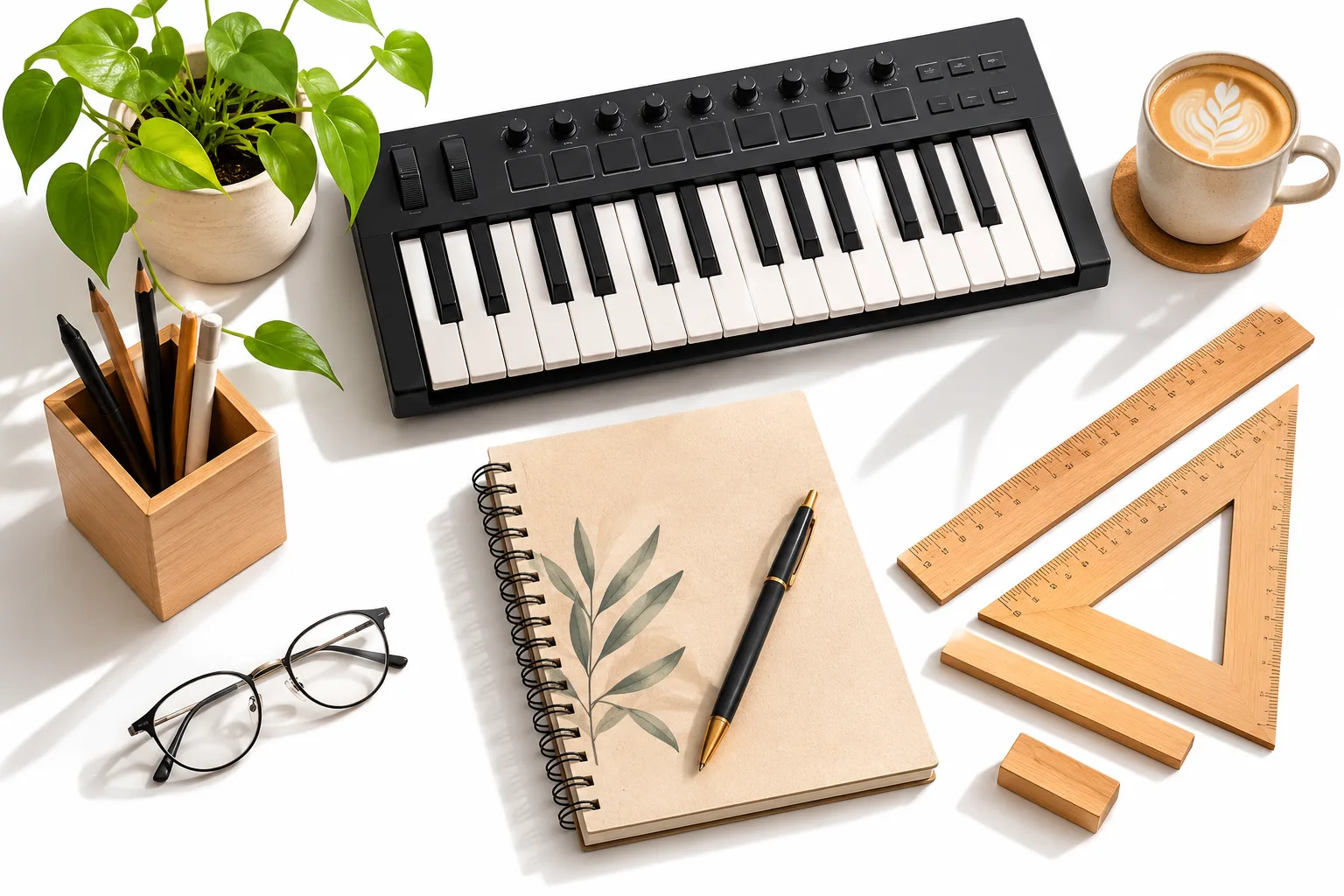
Velocity and Tempo
Shape individual note velocities and set global project tempo. Fine dynamics ensure your playback sounds natural and expressive rather than stiff or robotic.
Try It Now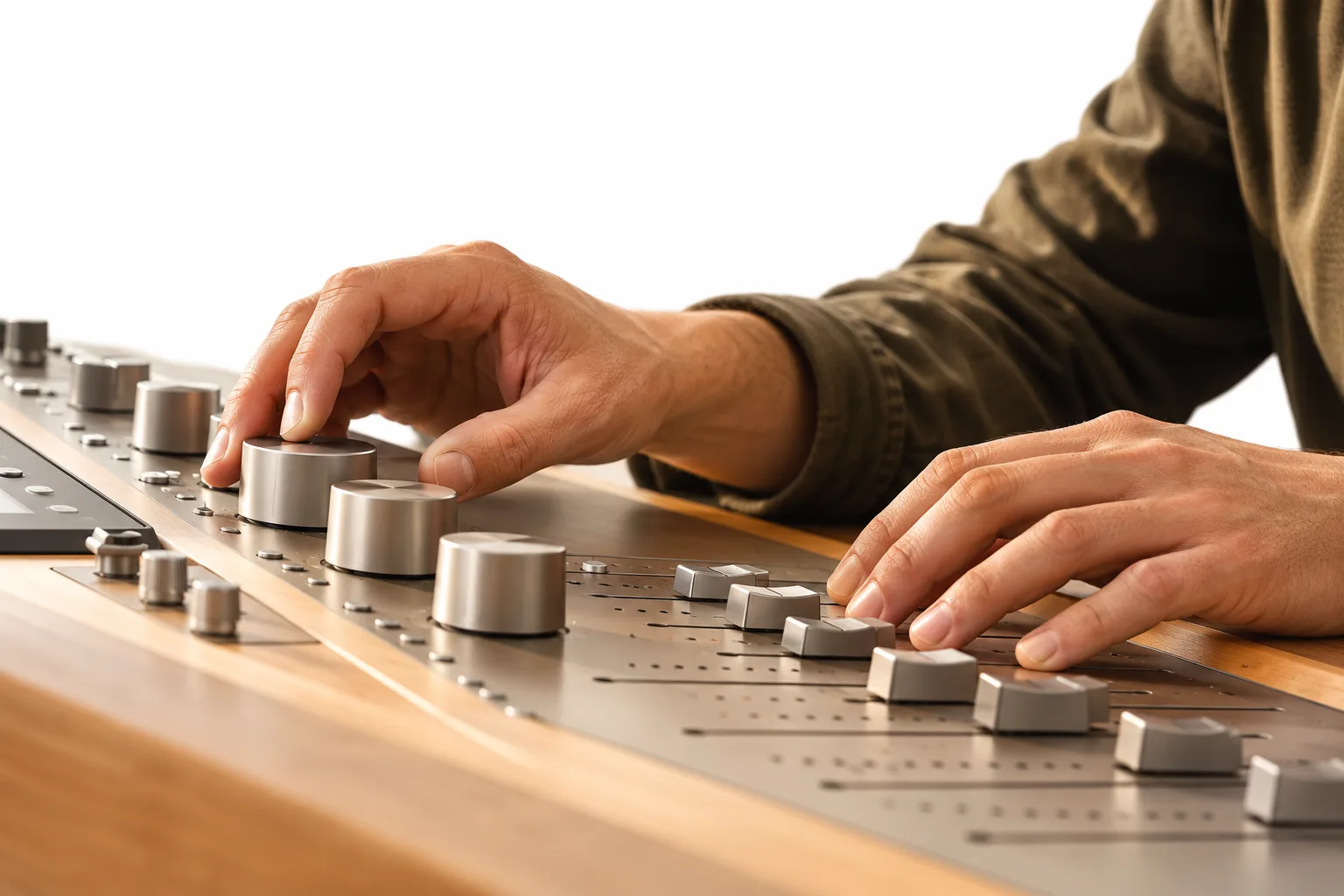
Import and Export
Load standard MIDI files from any software and export your edited arrangements as universal .mid files compatible with every sequencer and notation app.
Try It Now
What Is an Online MIDI Editor?
An online MIDI editor allows creators to modify musical note data instead of static audio recordings. MIDI files capture pitch, duration, and velocity, letting you correct mistakes, adjust rhythms, or rebuild melodies without re-recording actual audio.
This tool operates directly in your browser. Load tracks generated from Audio to MIDI, import files from desktop sequencers, or construct patterns on a clean roll before exporting your final arrangement.
How to Edit MIDI Online in Four Steps
Four steps from a raw file to a finished arrangement.
Open a File
Drop a .mid file into the workspace or start a blank composition from scratch.
Edit the Notes
Draw, shift, lengthen, and adjust note velocities across the piano roll timeline.
Listen Back
Audition your composition using the built-in MIDI player online to verify every change.
Export
Download your completed project as a standard, universal MIDI file.
Why Creators Choose Our Online Sequencer
Zero Installation
Launch directly in any modern desktop browser on Windows, macOS, and Linux.
Private Workflow
Your musical files stay securely on your local device while you edit.
Completely Free
Access every composition and editing tool for free without creating an account.
Standard Compatibility
Exports universal MIDI files that load smoothly into all DAWs and synthesizer engines.
Responsive Speed
Processes complex scores and dense polyphonic tracks smoothly without lag.
Integrated Ecosystem
Connects with Audio to MIDI conversions and our song generation pipeline.
Frequently Asked Questions About MIDI Editing
Is this online MIDI editor free to use?
Yes. All features are free and no account is required.
Do I need to download or install any software?
No. You do not need to download or install any desktop software or browser plugins. The editor runs natively in any standard web browser on desktop computers, providing an instant piano roll and playback controls right out of the box.
What types of MIDI files can I edit?
You can open and edit standard .mid and .midi files created in any DAW, notation software, or our Audio to MIDI converter. Every file you export uses standard MIDI formatting, ensuring full compatibility with all production software and virtual instruments.
Are my files uploaded?
No. Files are opened and edited on your own device.
Can I export my edits?
Yes. Export a standard MIDI file at any time and open it in your DAW or notation software.